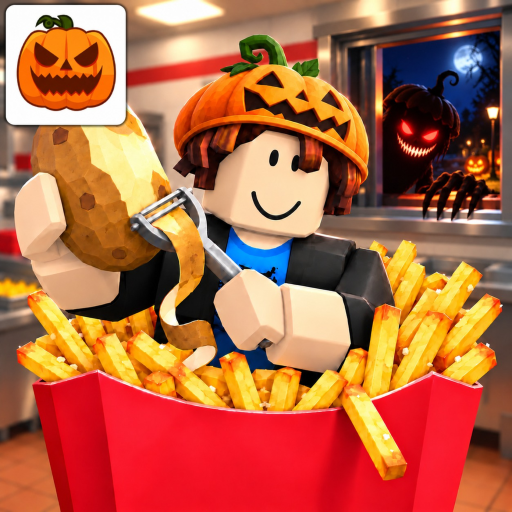
Sell Fries Anomaly Window Anomaly: Red Text and the Shutter
Window Anomaly
- Garbled red text and blurred vision distinguish the window threat.
- Use the emergency shutter response instead of continuing a normal sale.
- A loaded Fries Shooter helps defense but needs reloading.
Recognize the arrival that changes the job
The Sell Fries Anomaly window anomaly interrupts the serving opening. Garbled red dialogue and blurred vision are the cues to stop treating the arrival as a normal paying customer. Shift attention from handing over an order to closing the shutter.
Do not use an exact waiting-time estimate from another run as permission to delay. The visible warning is enough to choose the defensive response. Ignoring the anomaly can allow it to enter the kitchen, which makes finishing one more ordinary task a poor trade.
Use the emergency button for the opening
The emergency button controls the window shutter. Use that response when the window warning appears. Learn the button's location before a busy night so you are not searching menus while the threat waits at the opening.
This is a specific window response. It should not replace sheltering from a parking-lot stalker, moving away from Giant targeting or repairing an outage. Those threats interrupt different parts of the shift and need their own action.
Keep later defenses supplied
The Window Fries Shooter uses loaded fries against window anomalies. Reload it after use and keep ordinary customer service separate. If its supply runs out, the machine is not a reason to ignore the window; keep the shutter response available.
Read the Sell Fries Anomaly emergency-button guide for the focused control-and-purpose explanation. Once you are comparing a machine purchase, the Shooter guide explains how defense fits alongside cooking output and reloading. A defensive upgrade can help, but awareness of the warning remains useful throughout the run.